Demo Company Portal Guide
Use the Company Portal to create shipments from uploaded transport documents, create cargo from an IDF file, review OTP declarations, and manage training payments for your team.
Portal URL
Access the Company Portal at https://company.demo.cfhub.net.
1. Dashboard
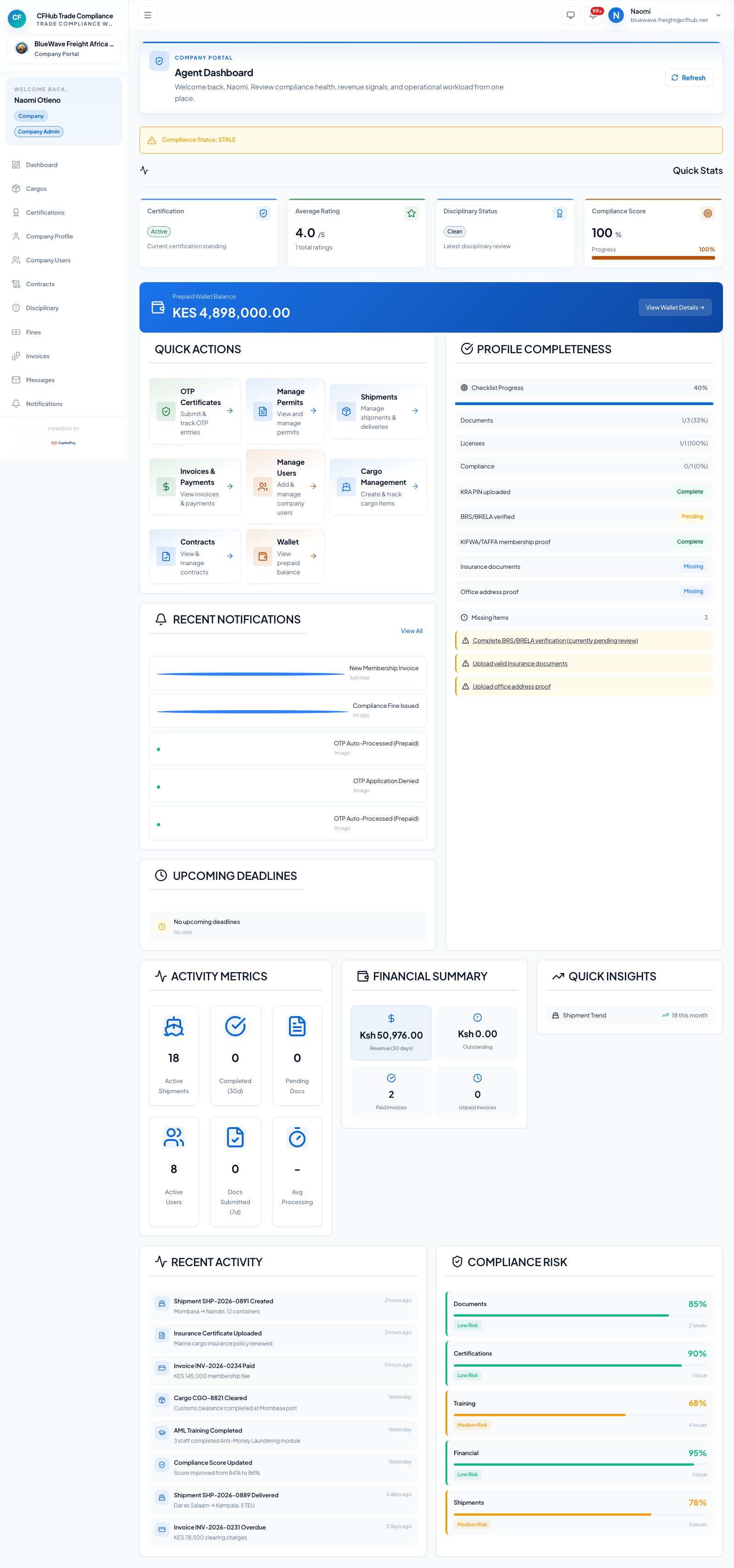
The dashboard is the starting point for daily operations, compliance checks, wallet visibility, and training shortcuts.
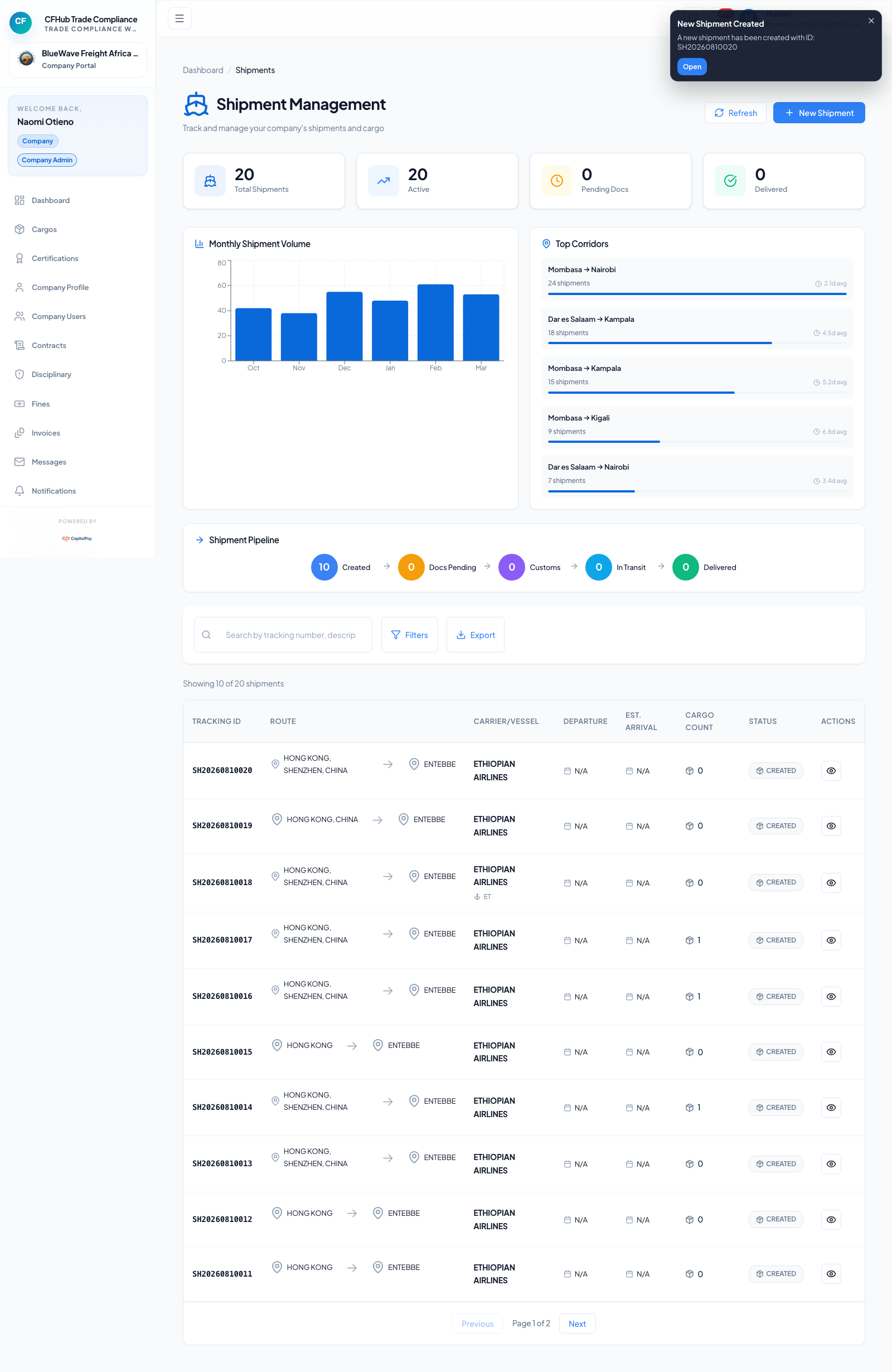
2. Create Shipments From Uploaded Documents
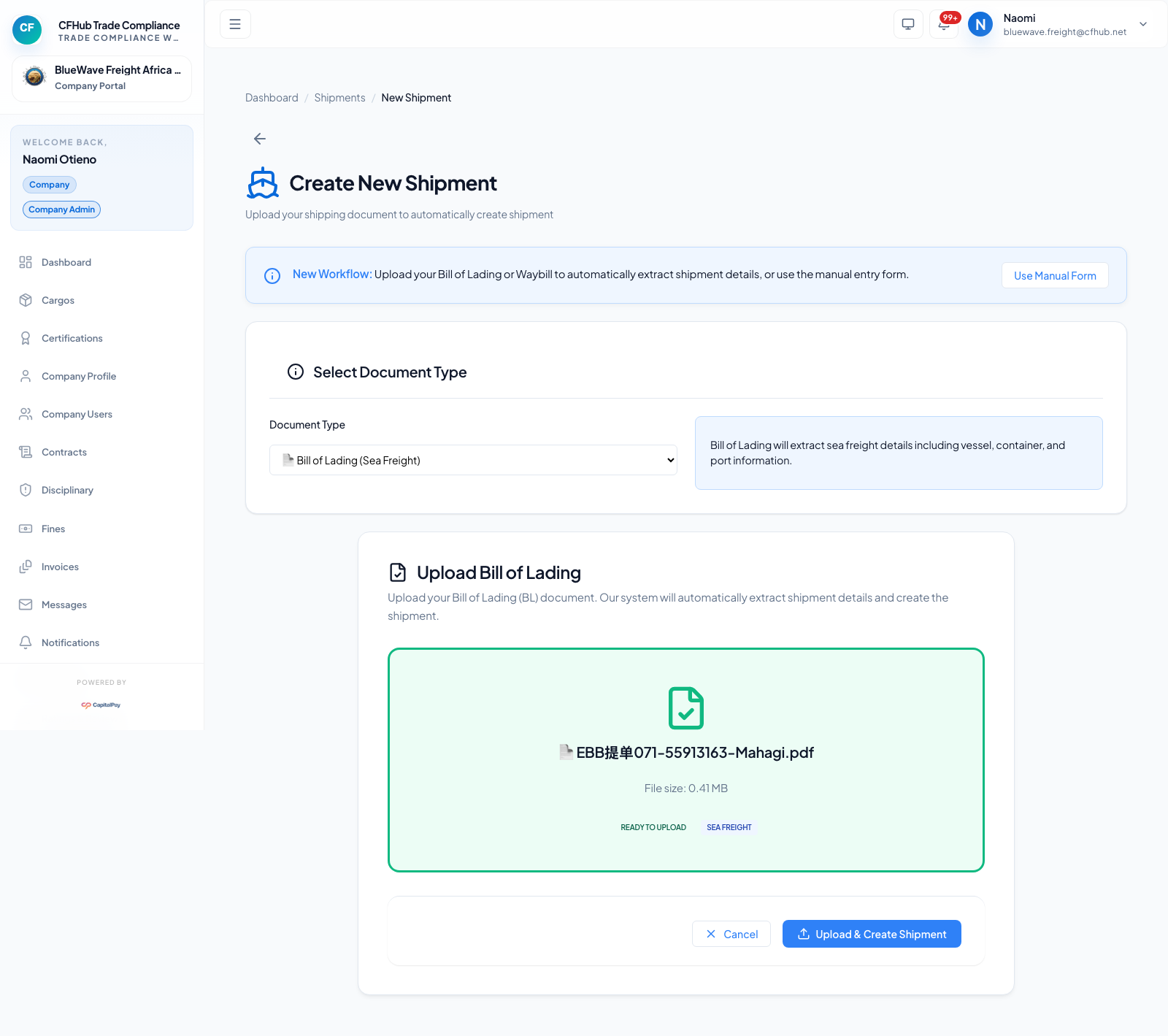
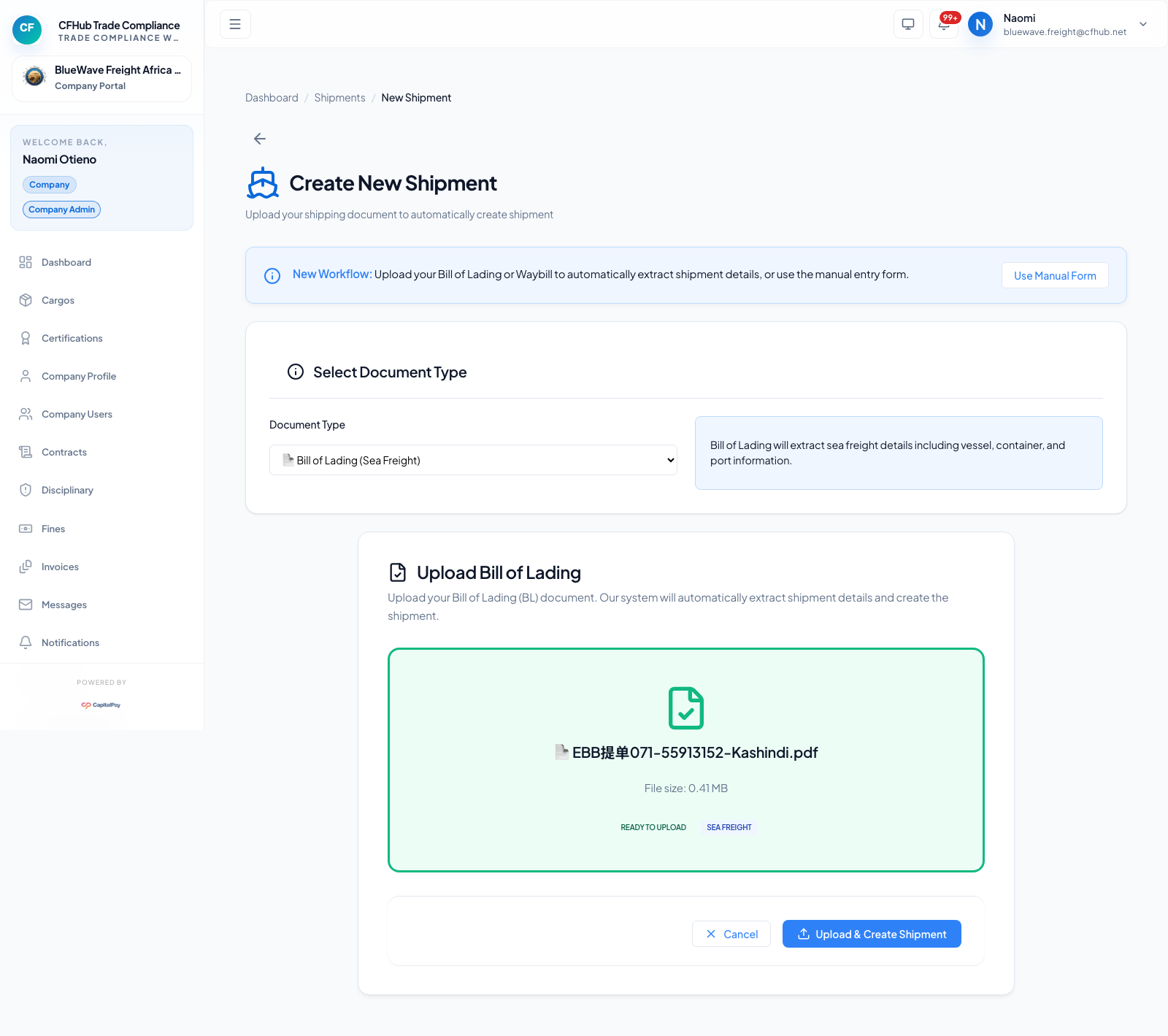
Upload a transport document to create a shipment record. Repeat the same steps for each document you want to process.
First document upload
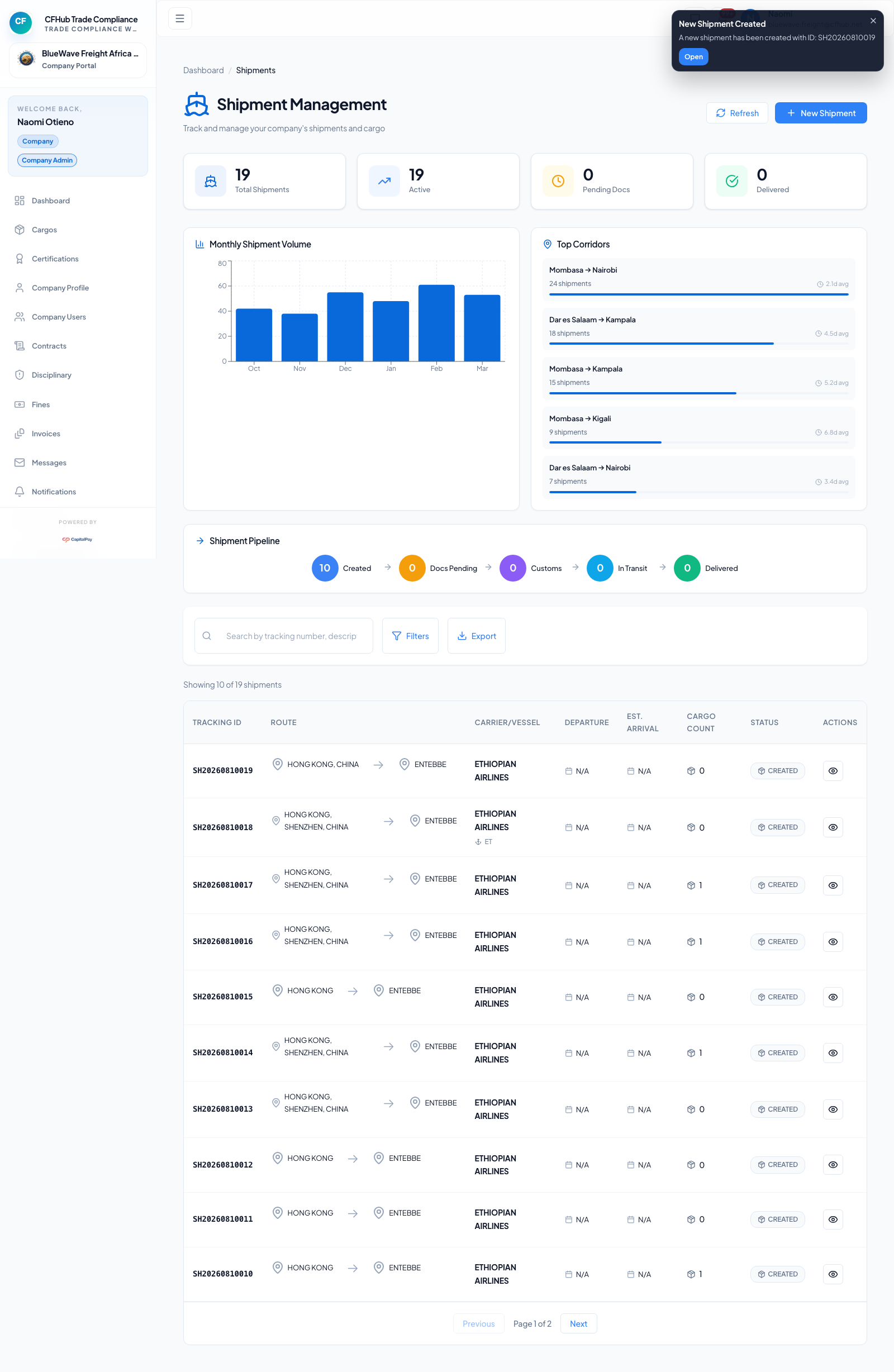
Second document upload
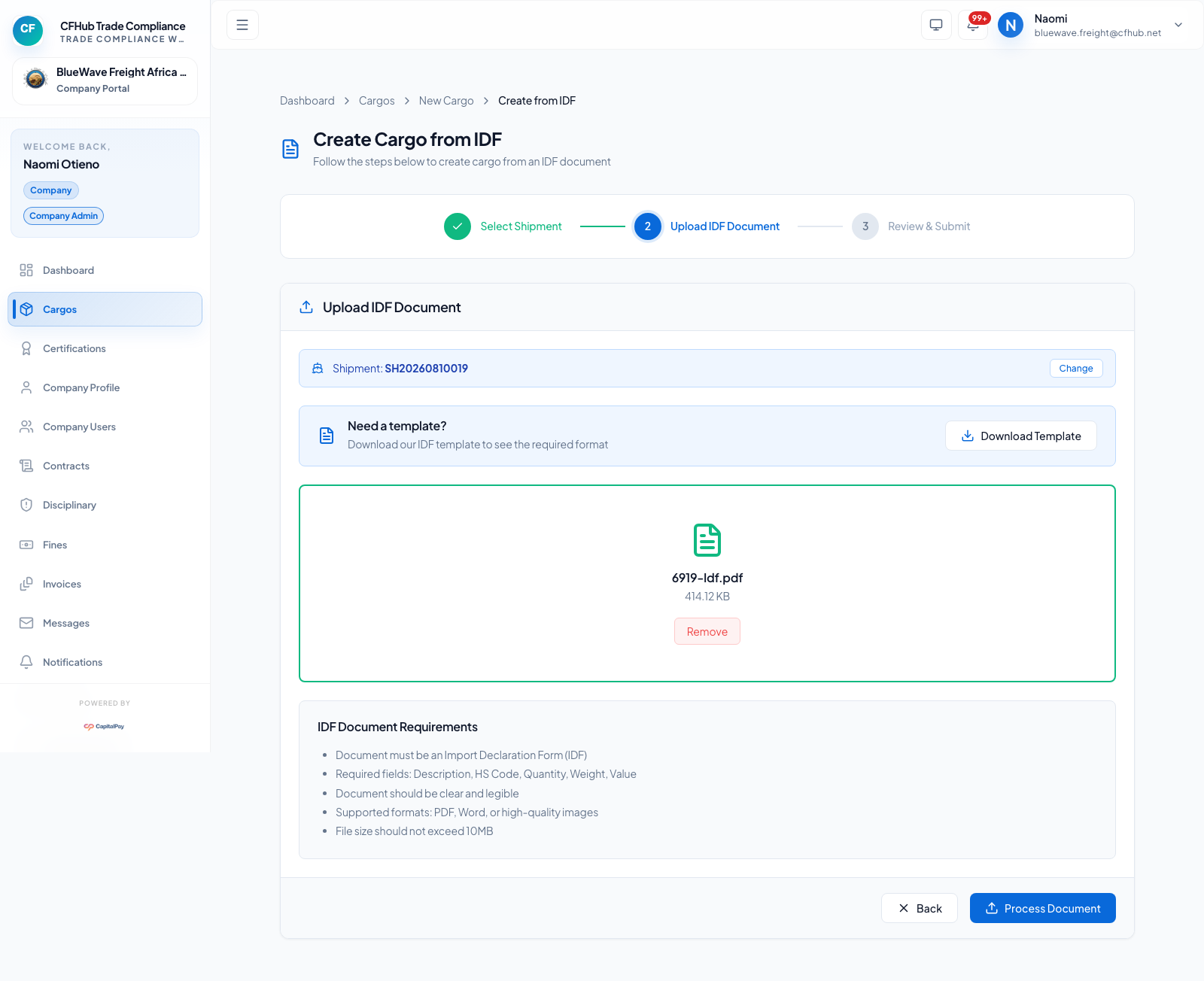
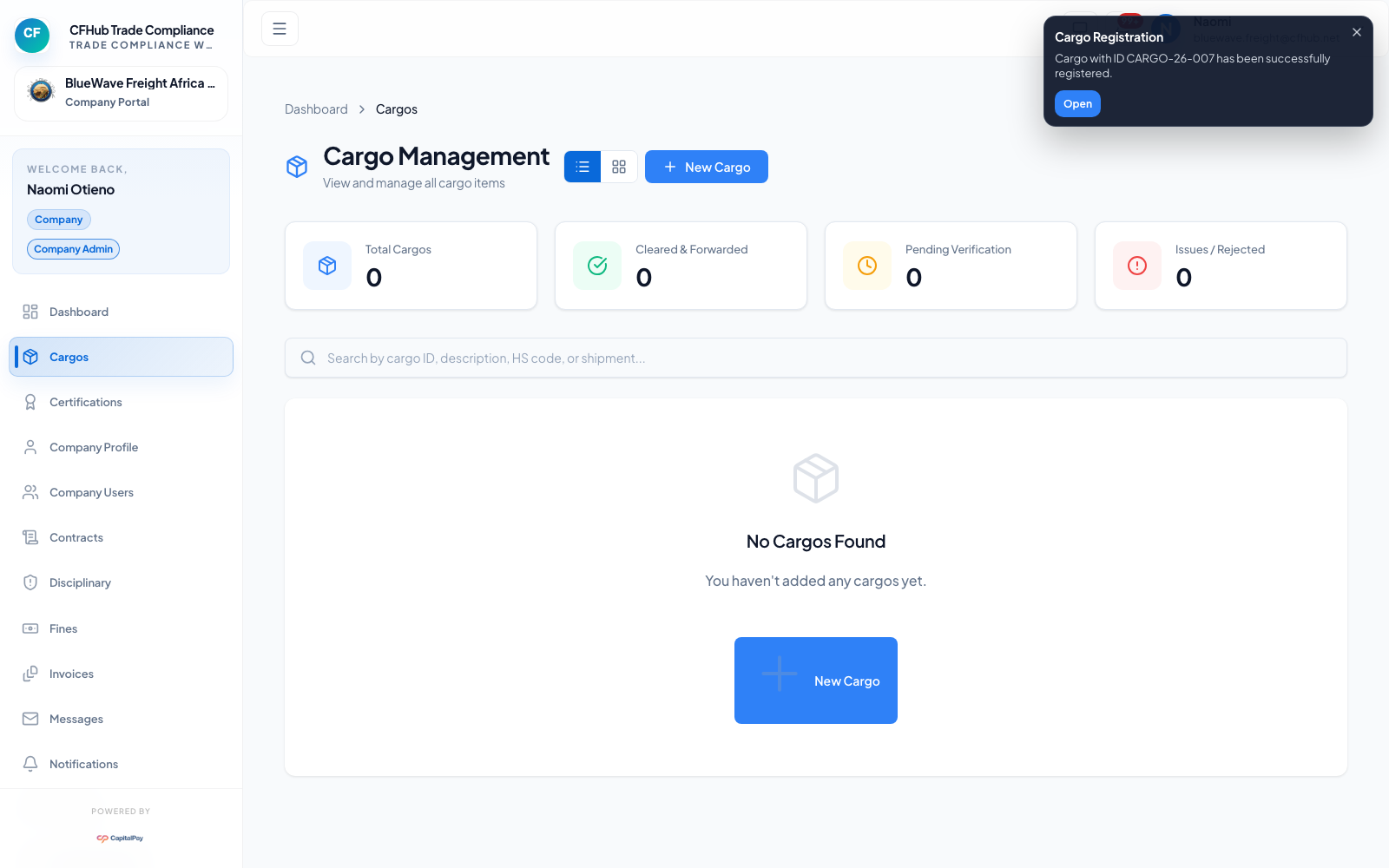
3. Create Cargo From IDF Upload
Upload the IDF document and link it to the shipment you want to process.
- Open Cargo.
- Choose Upload IDF.
- Select the linked shipment.
- Upload the PDF and process it.
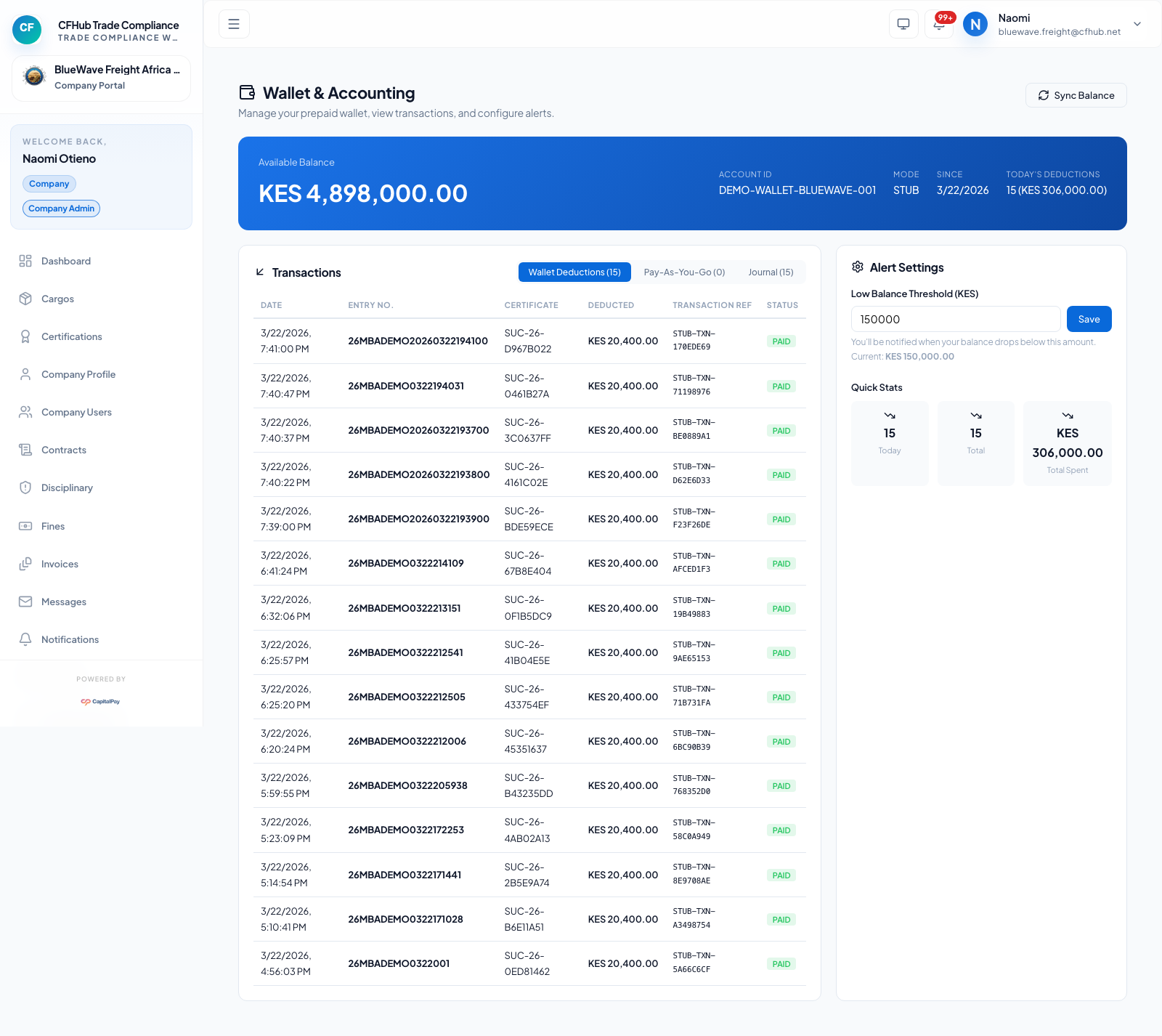
4. OTP And Prepaid Flow
When a declaration arrives, it appears on the OTP page and can be completed with prepaid charging.

5. Generated OTP Documents
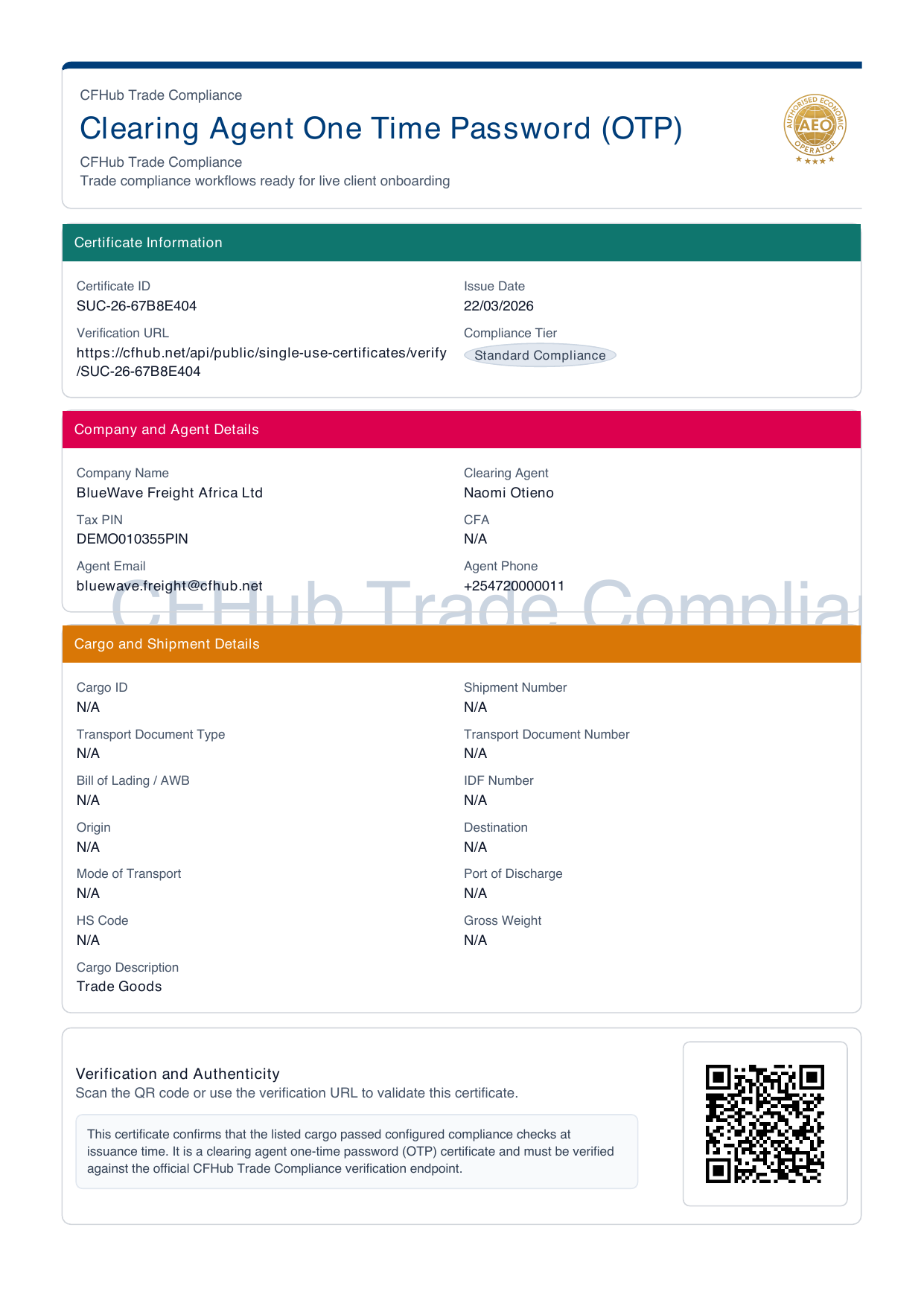
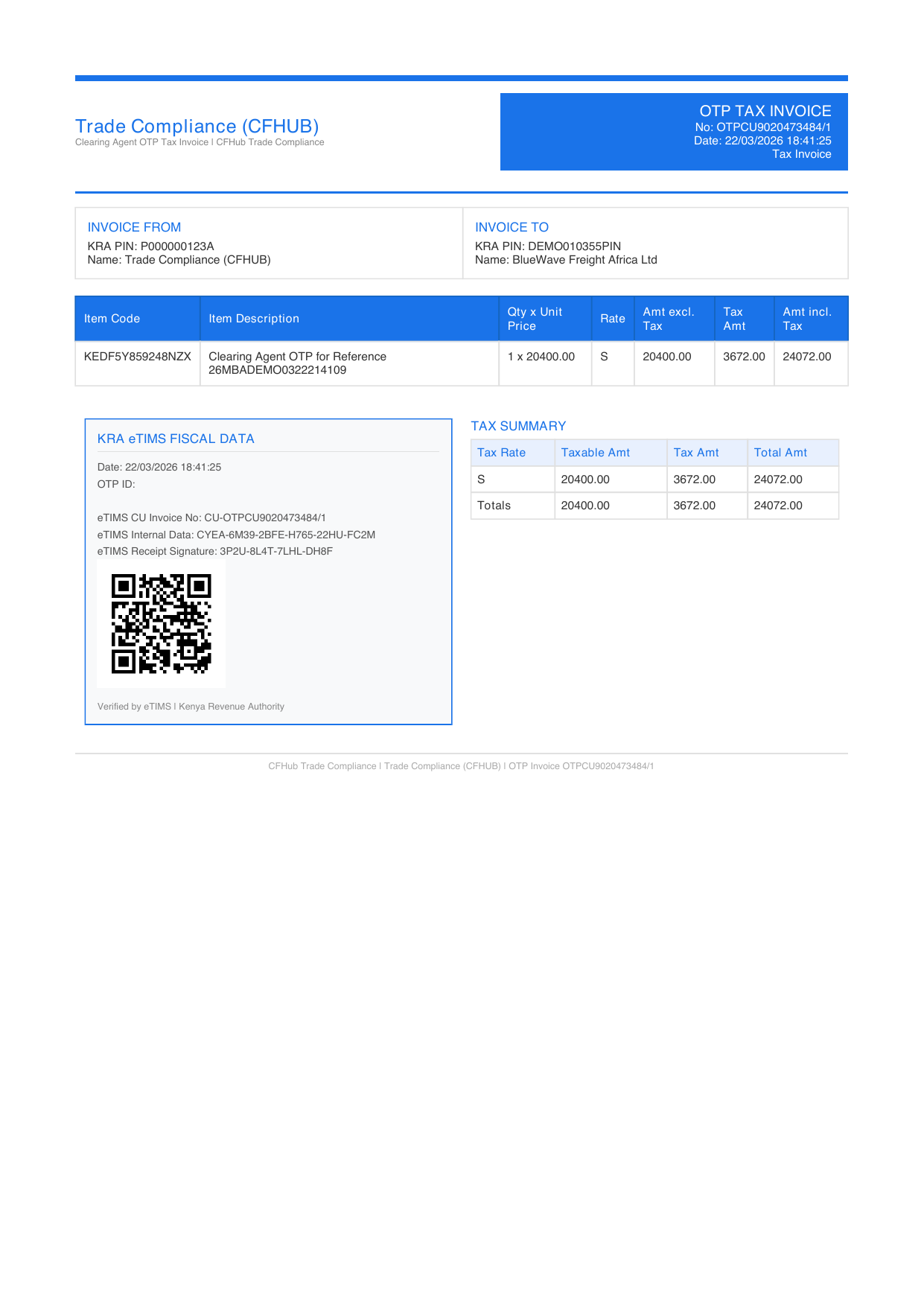
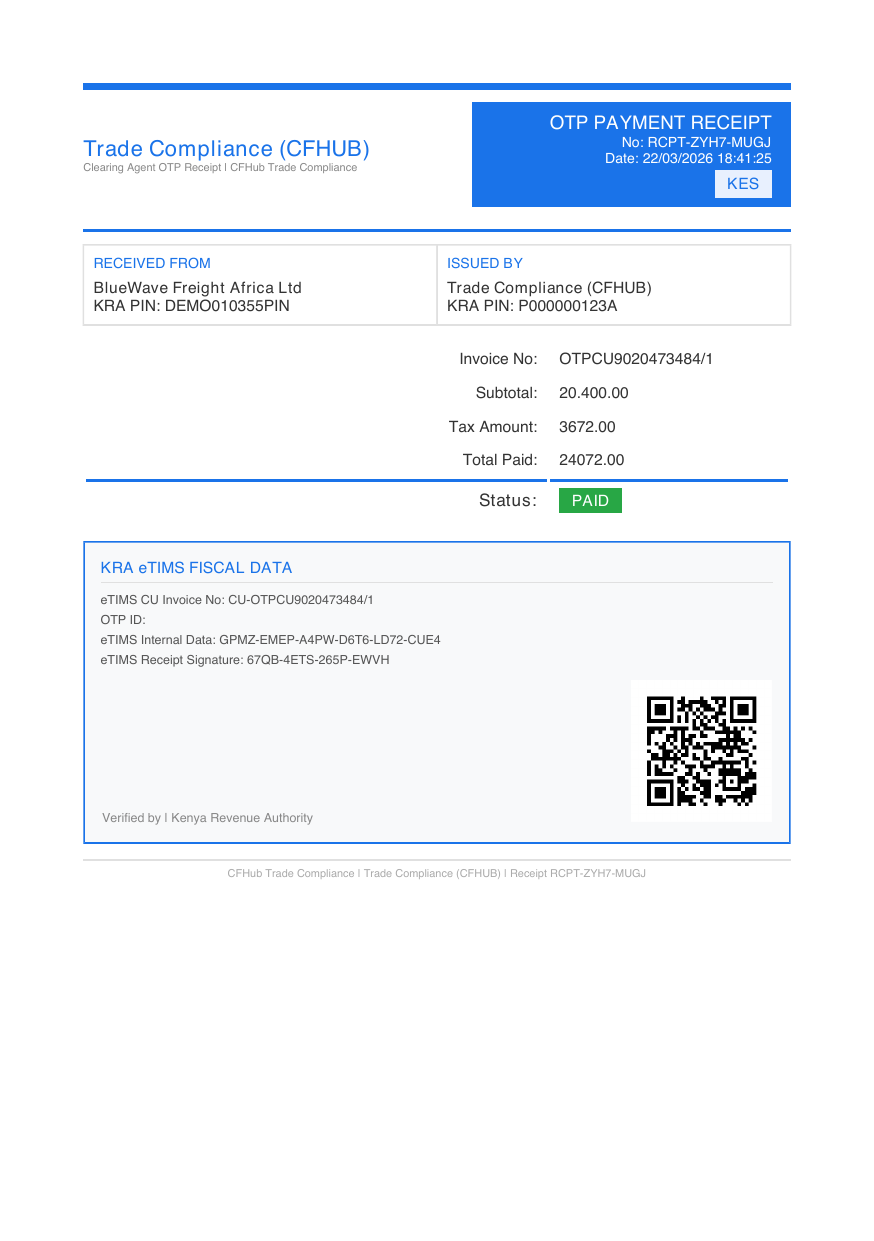
The OTP workflow generates the certificate, invoice, and receipt with CFHub Trade Compliance branding:
- Certificate
SUC-26-67B8E404 - Invoice
OTPCU9020473484/1 - Receipt
RCPT-ZYH7-MUGJ
Certificate preview
Invoice preview
Receipt preview
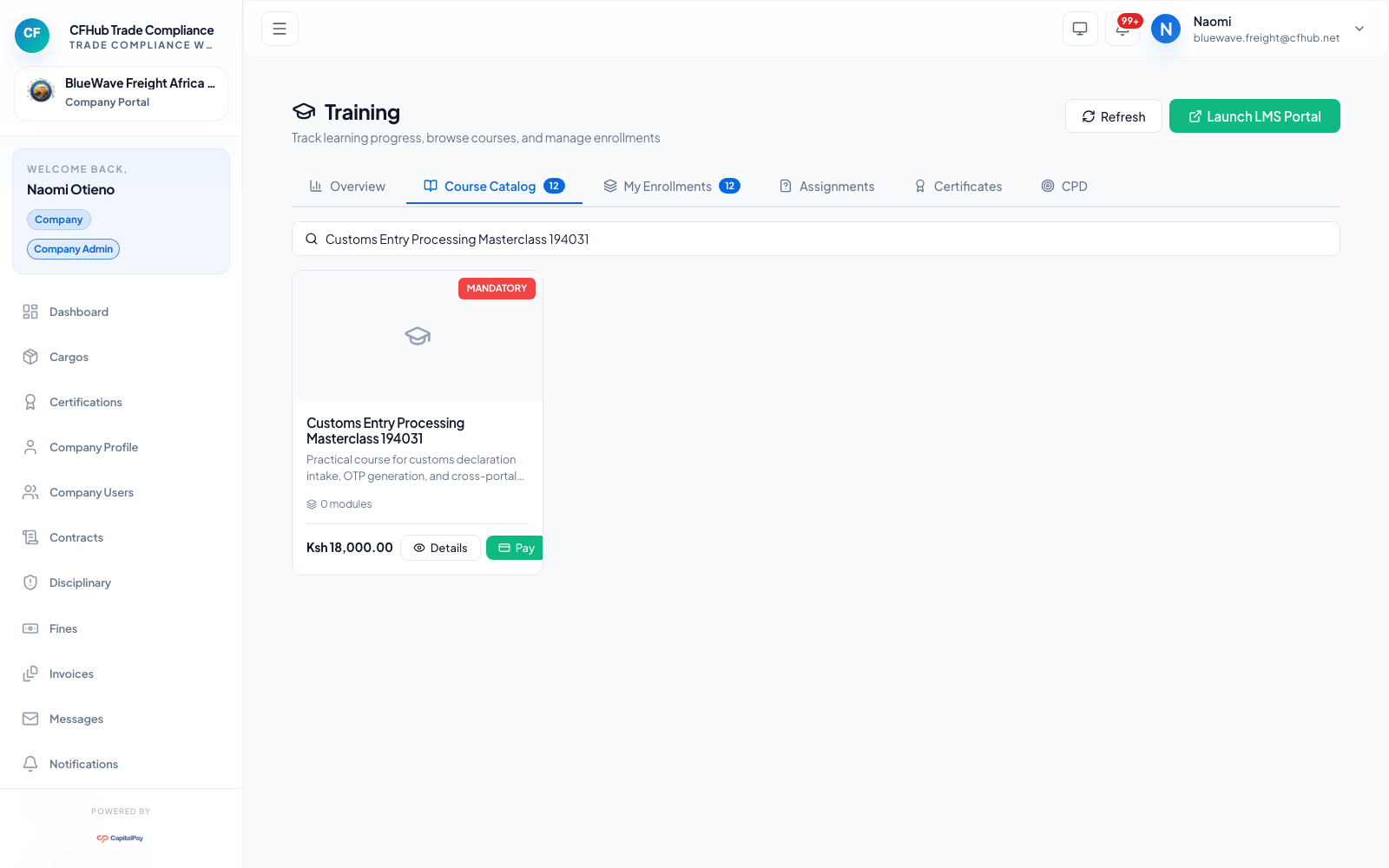
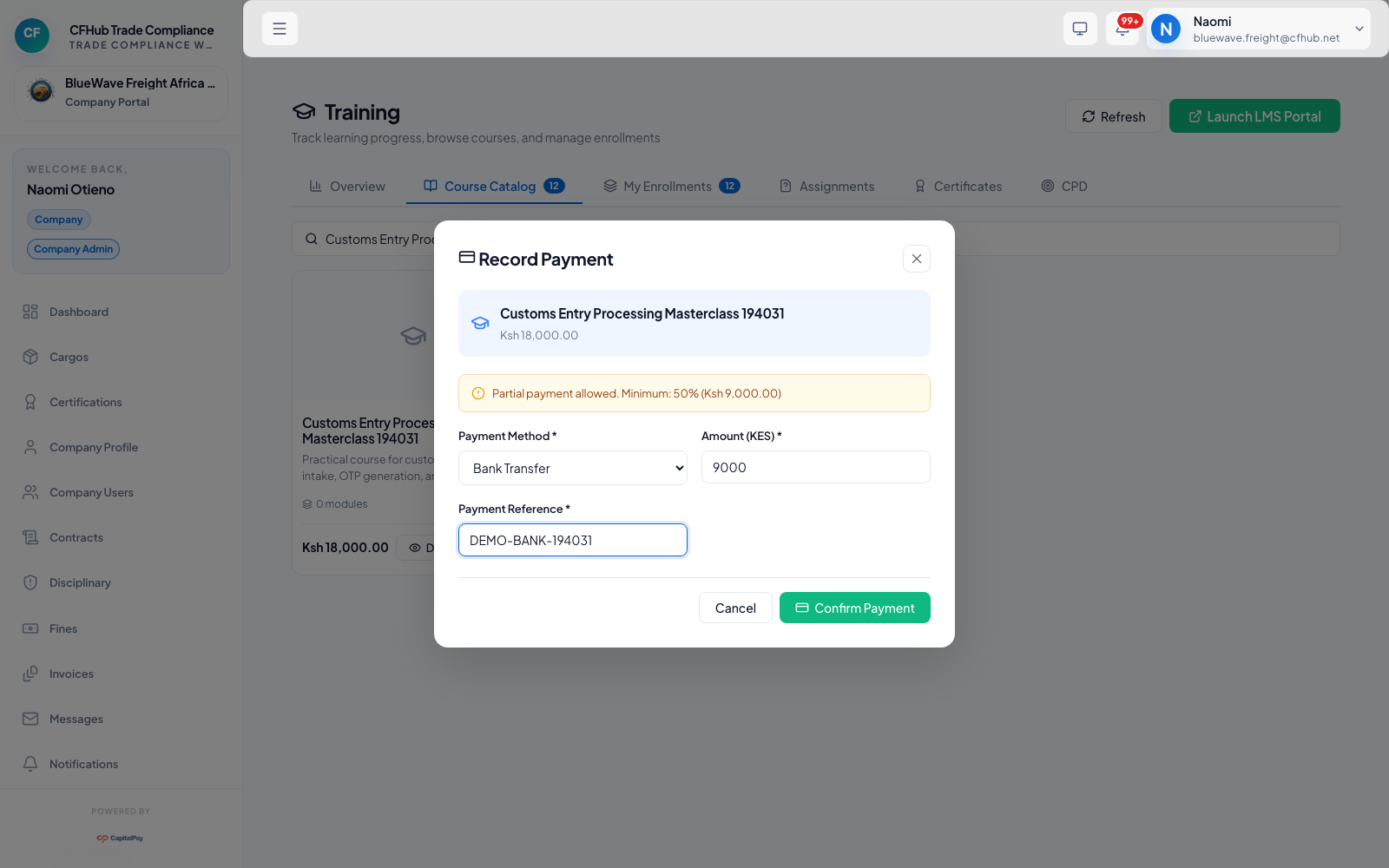
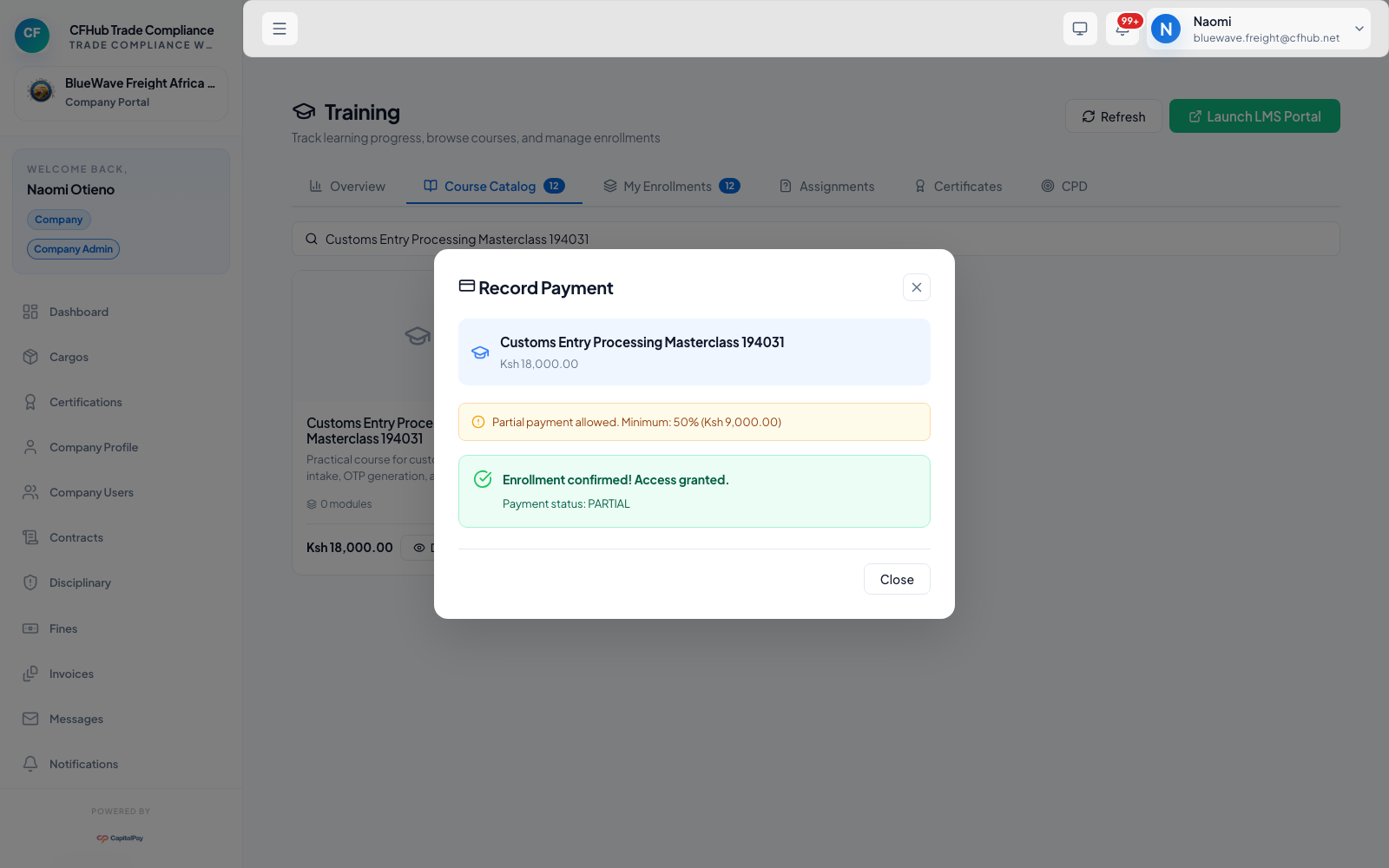
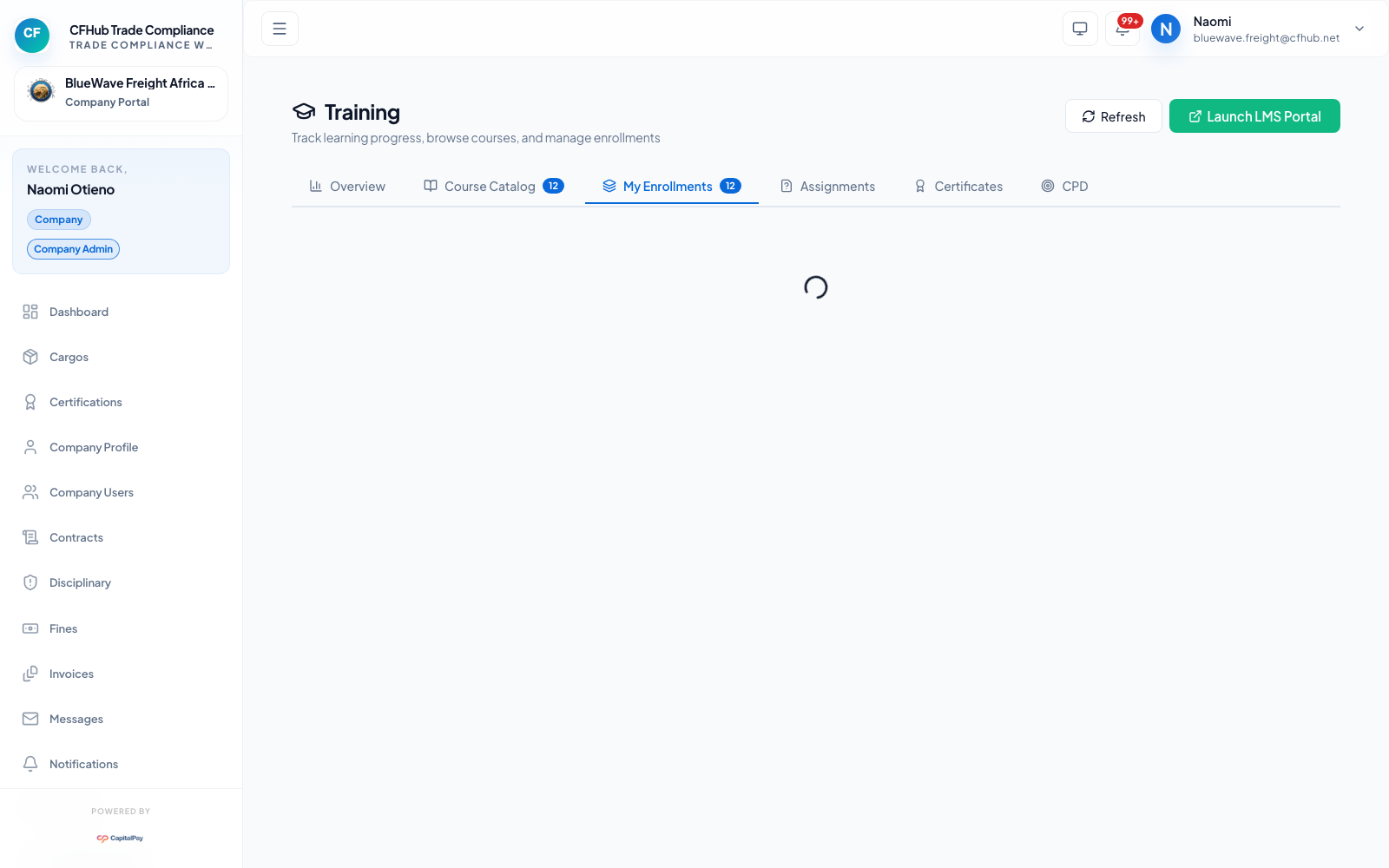
6. Training Enrollment And Payment
You can enroll in a published course and complete payment from the Training catalog.