Demo Association Portal Guide
Use the Association Portal to manage member compliance, issue fines, create membership fees, publish courses, and review enrollments.
Portal URL
Access the Association Portal at https://demo.cfhub.net.
1. Dashboard
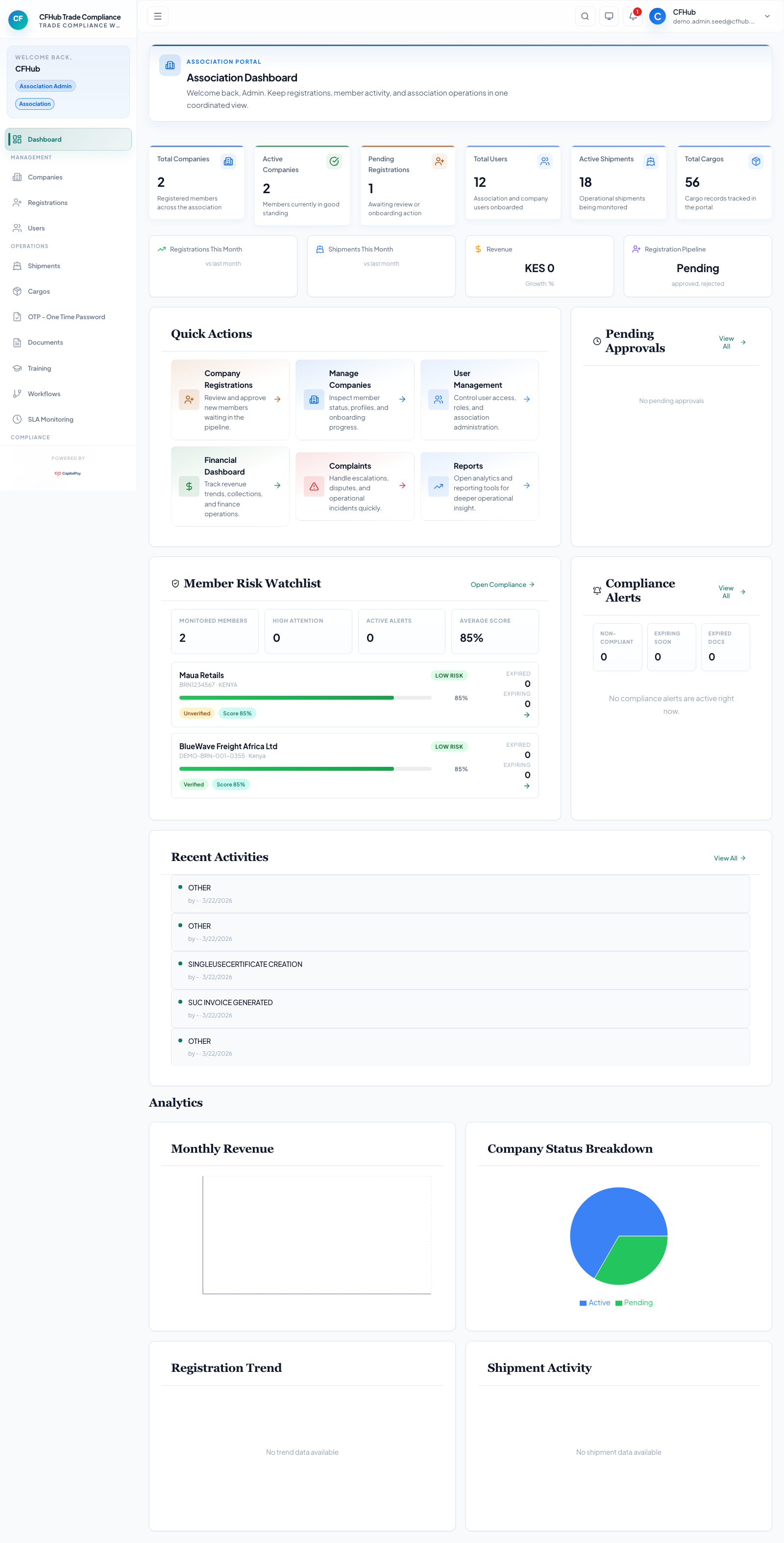
The dashboard gives you a clear view of oversight, approvals, and commercial activity.
2. Issue A Fine
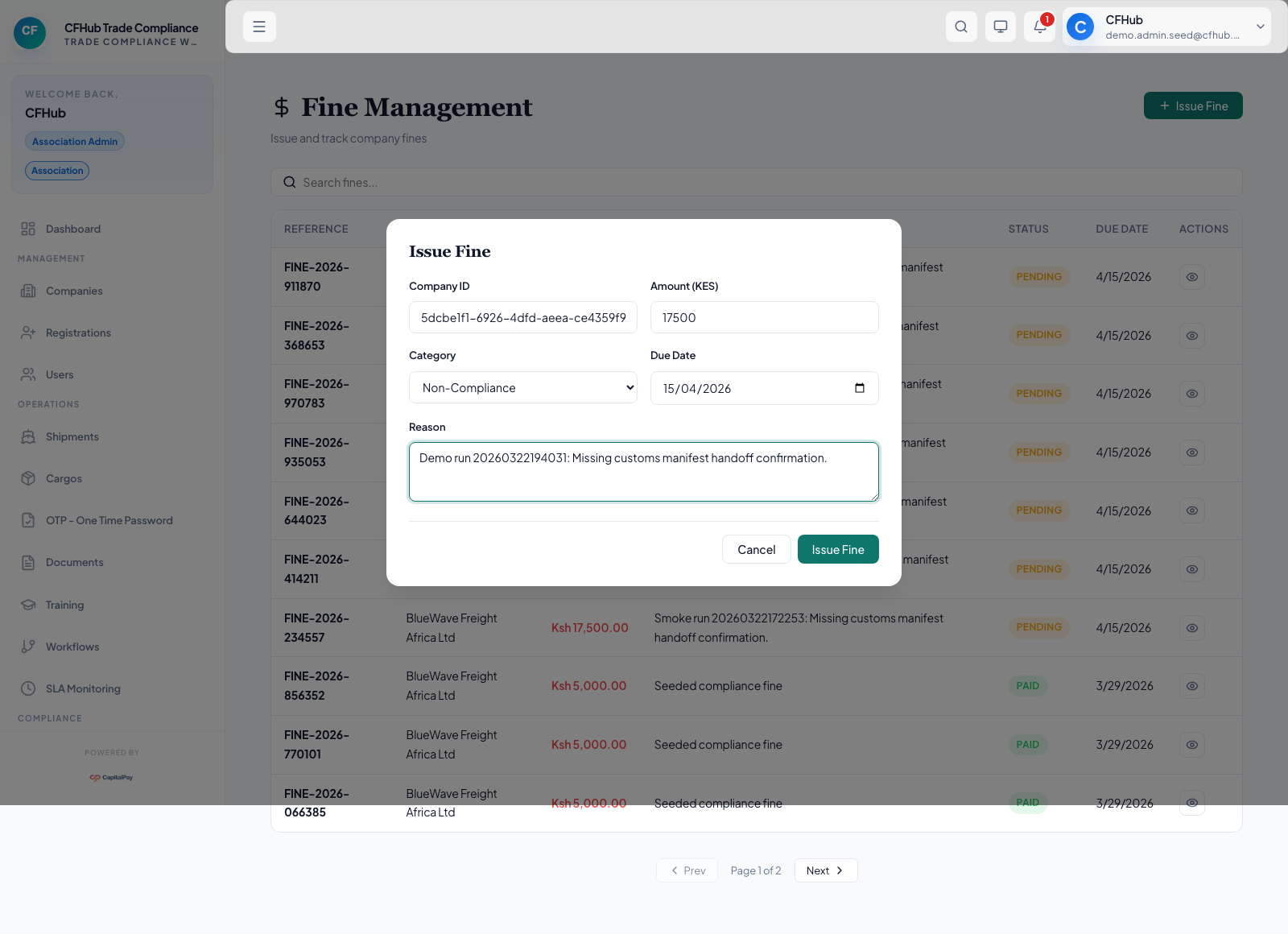
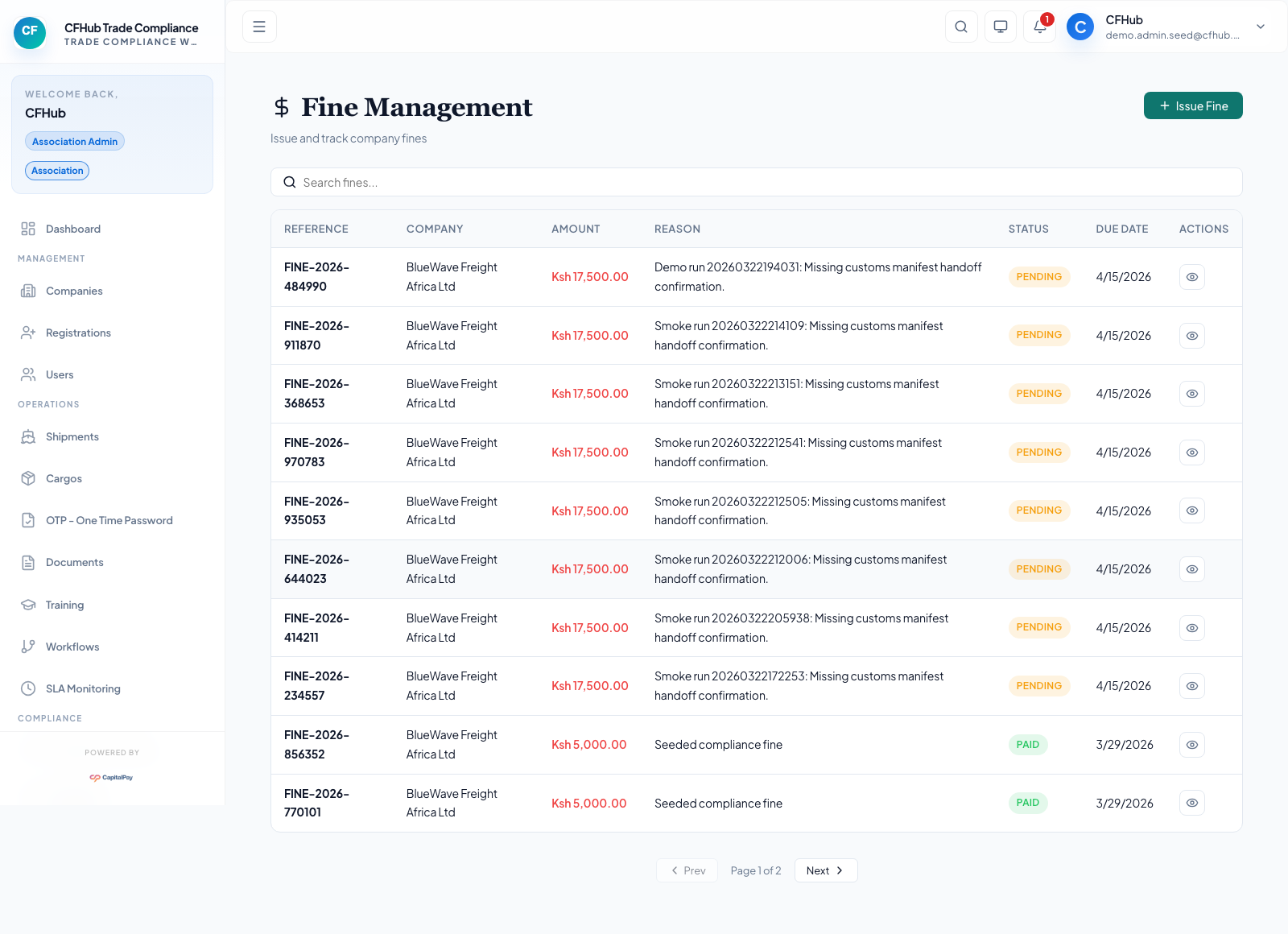
You can issue a fine when a member needs a compliance correction. In this example, the fine is set to KES 17,500 for BlueWave Freight Africa Ltd.
3. Create A Membership Fee
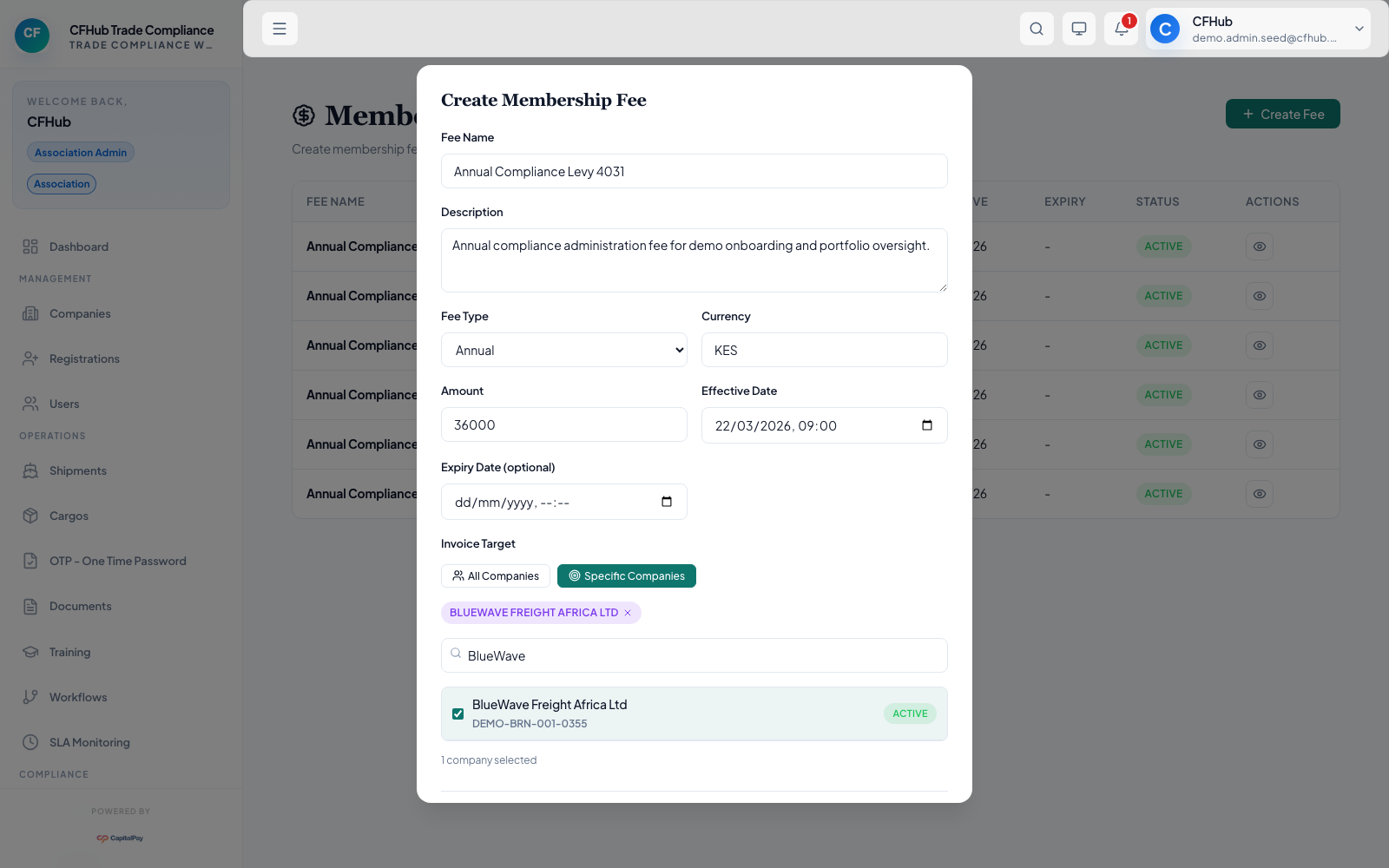
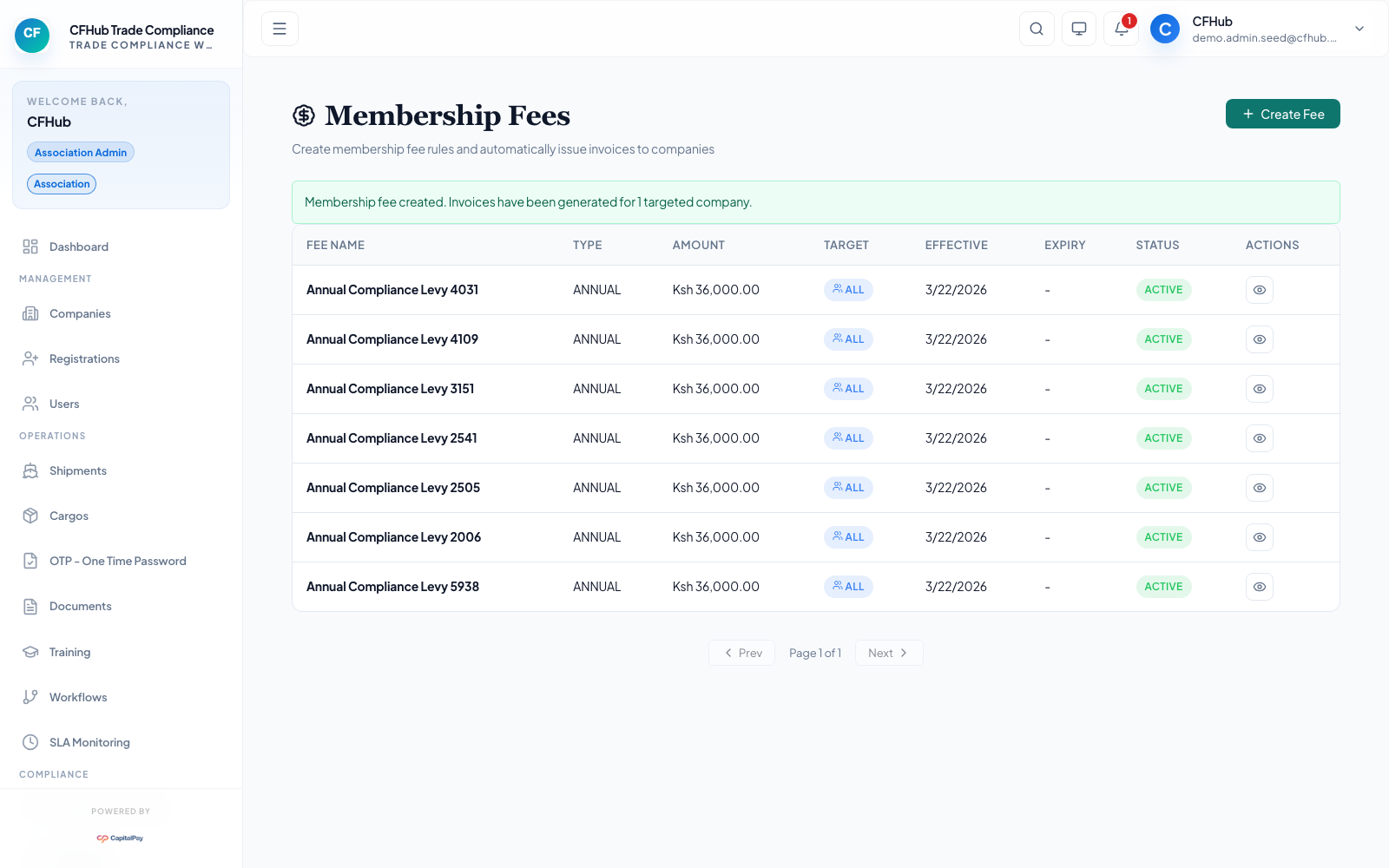
You can create a membership fee and assign it to a specific company. In this example, the fee is Annual Compliance Levy at KES 36,000.
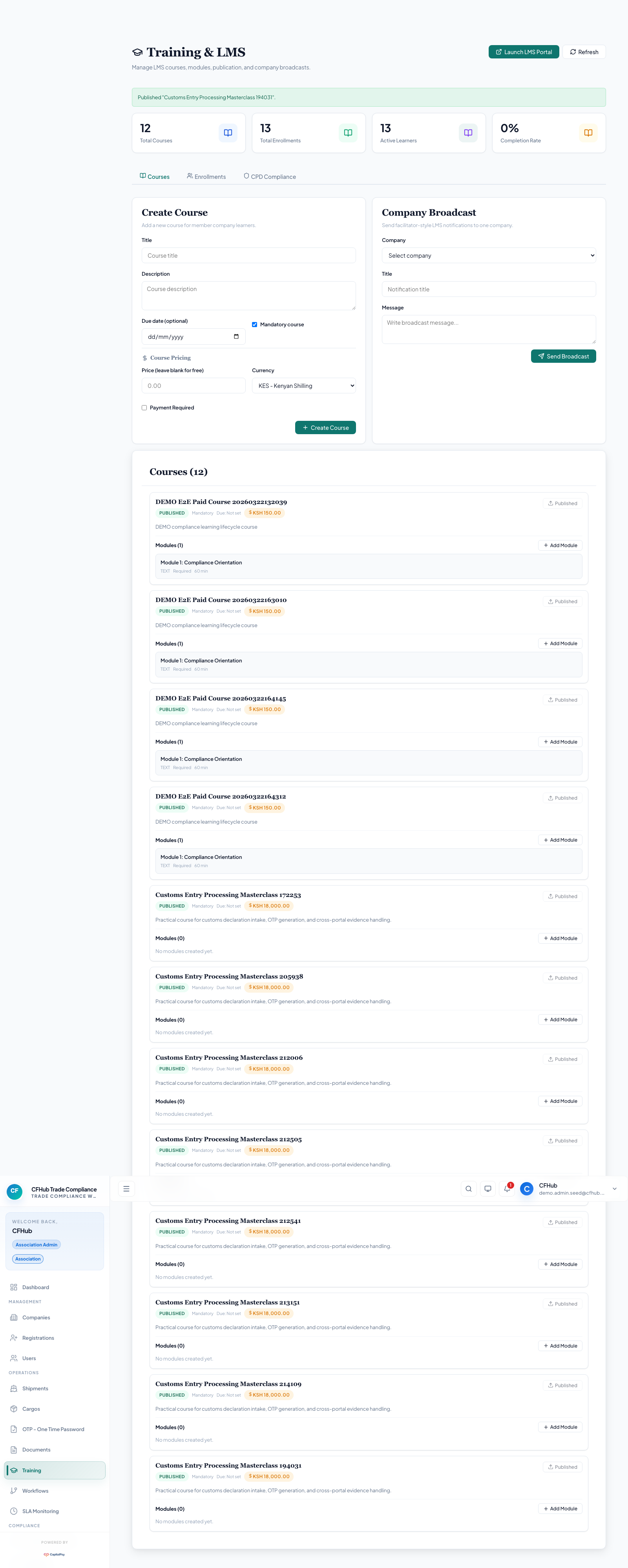
4. Create And Publish A Course
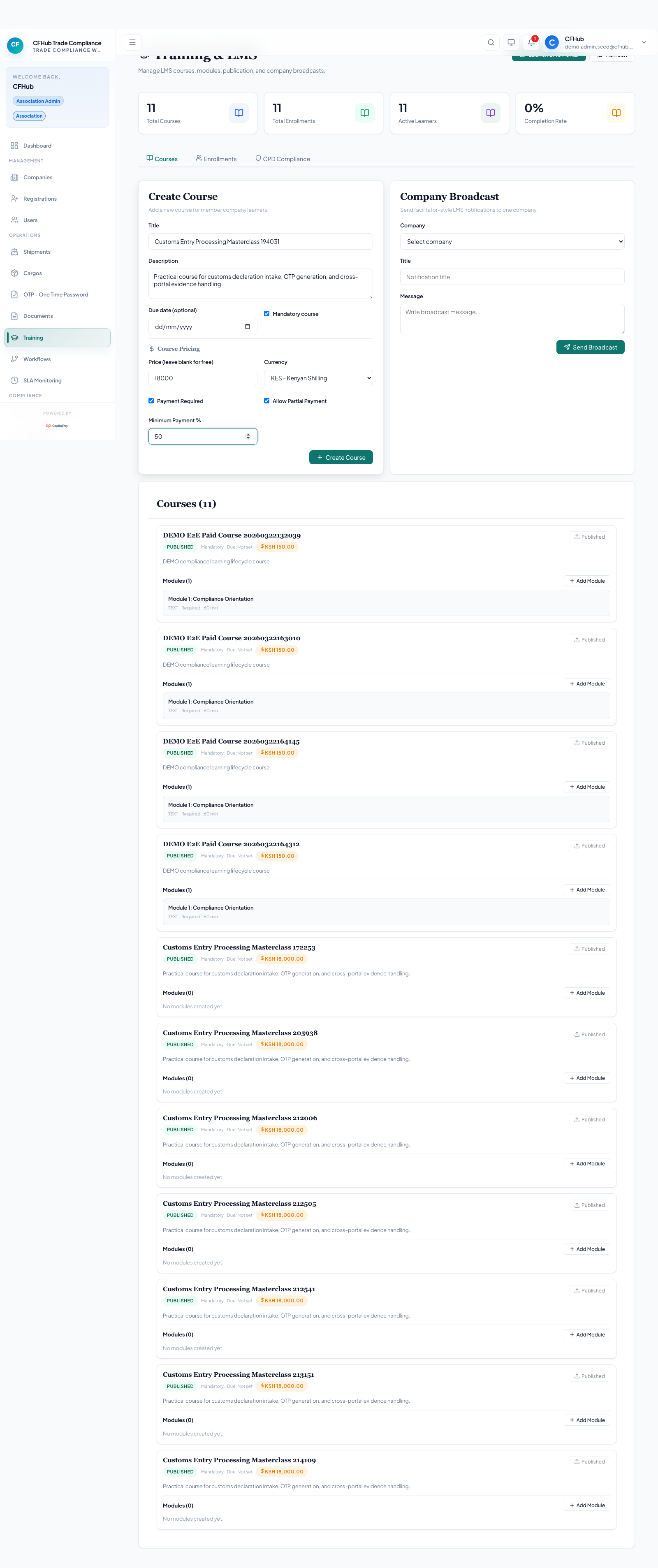
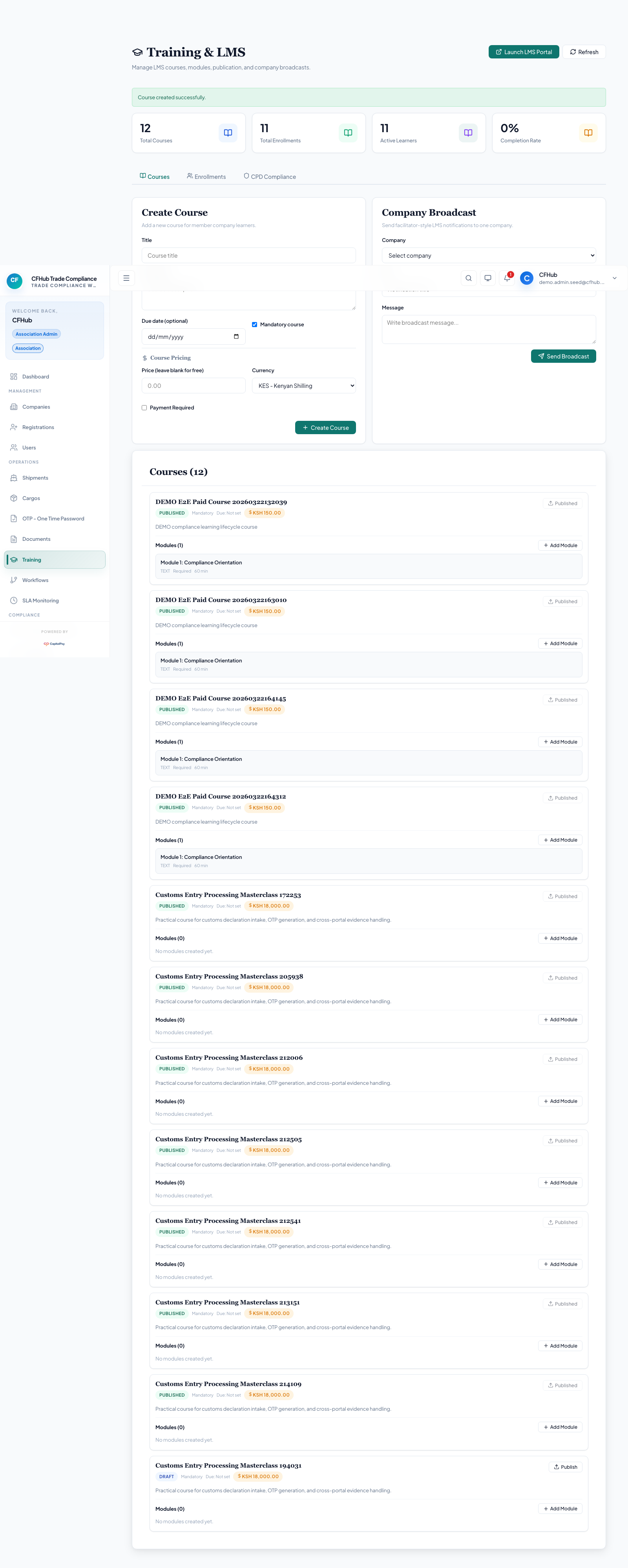
You can publish a course and make it available to learners from the LMS portals. In this example, the course is Customs Entry Processing Masterclass 214109.
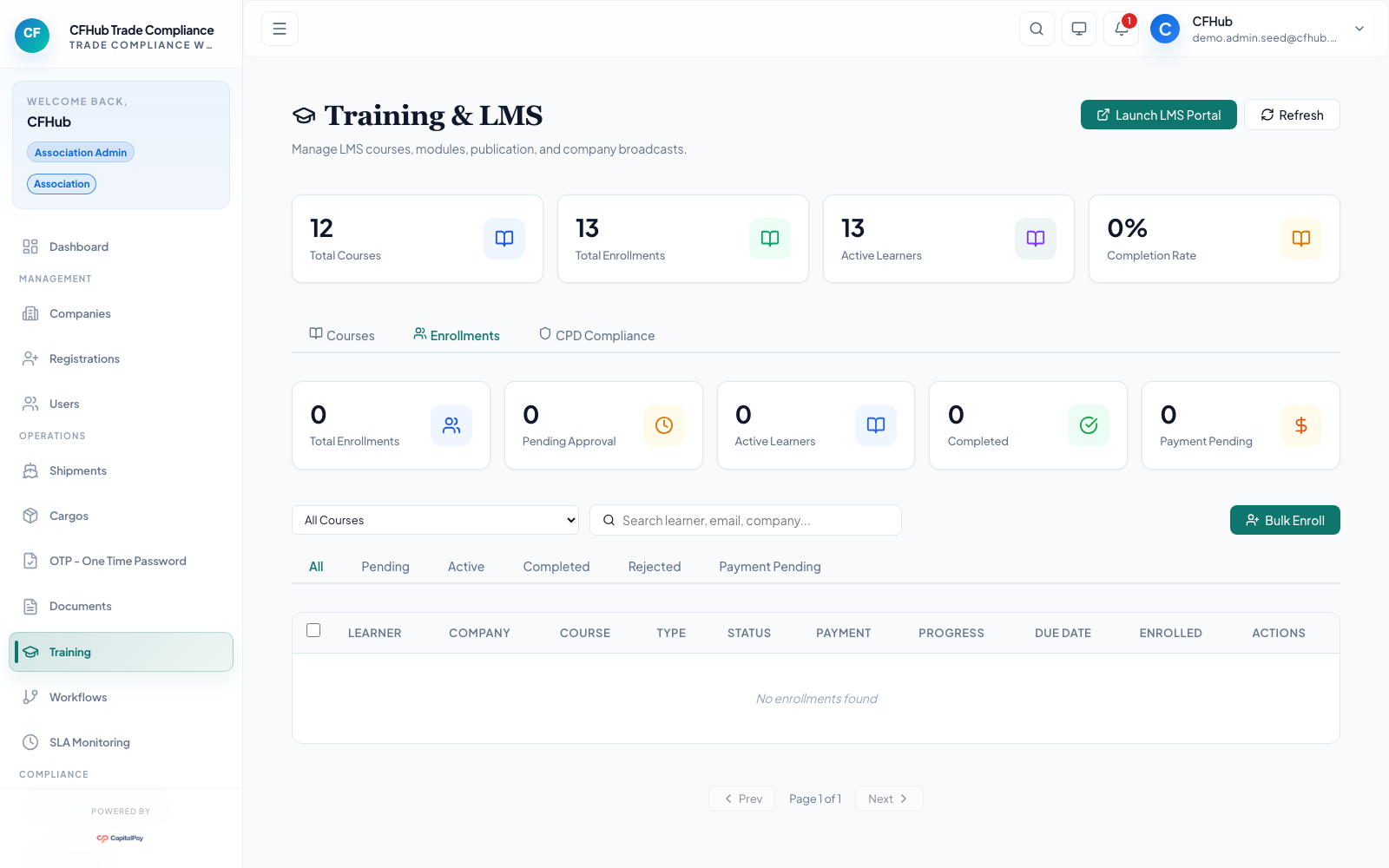
5. Review Enrollment
After a company pays for a course, you can review the enrollment and approve it from the Association Portal.